There is one FoundRE, and every property in the coverage area sits in it the same way. What changes is the question you arrive with — and how far into the data you go to answer it.
One property at a time — the one you live in, or the one you are about to offer on. Everything a professional would look up, without having to ask a professional to look it up.
Owners
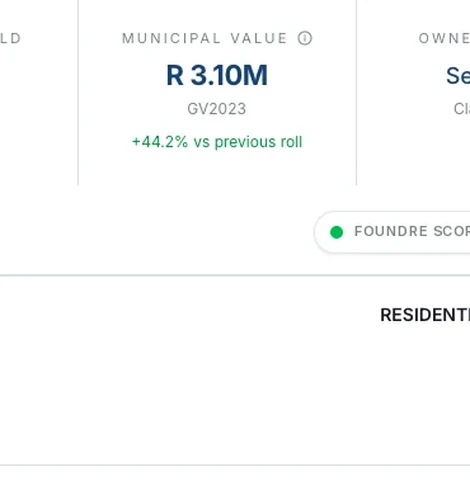
The municipal value, how it moved between valuation rolls, what the neighbours actually sold for and an automated estimate with its range — enough to weigh any price you are quoted against the record rather than against an opinion.
Buyers
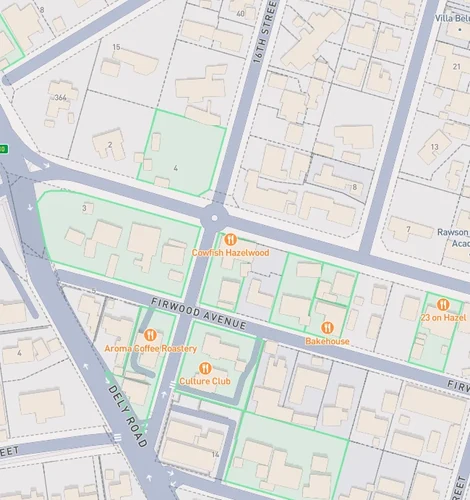
Zoning, erf boundaries, erf size, area under roof and coverage, plus the title history behind it. These are the checks that usually happen after the offer is signed, if they happen at all.
No account and no per-lookup fee to search a property and open its record.
All publicly available data, intelligently sourced and produced. Additional information derived using artificial intelligence so you get the full picture of the property.
Every property on the road is already in the map, whether it is on the market or not. Farm a suburb by what is actually there rather than by what happens to be advertised, and price against transfers instead of against asking prices.
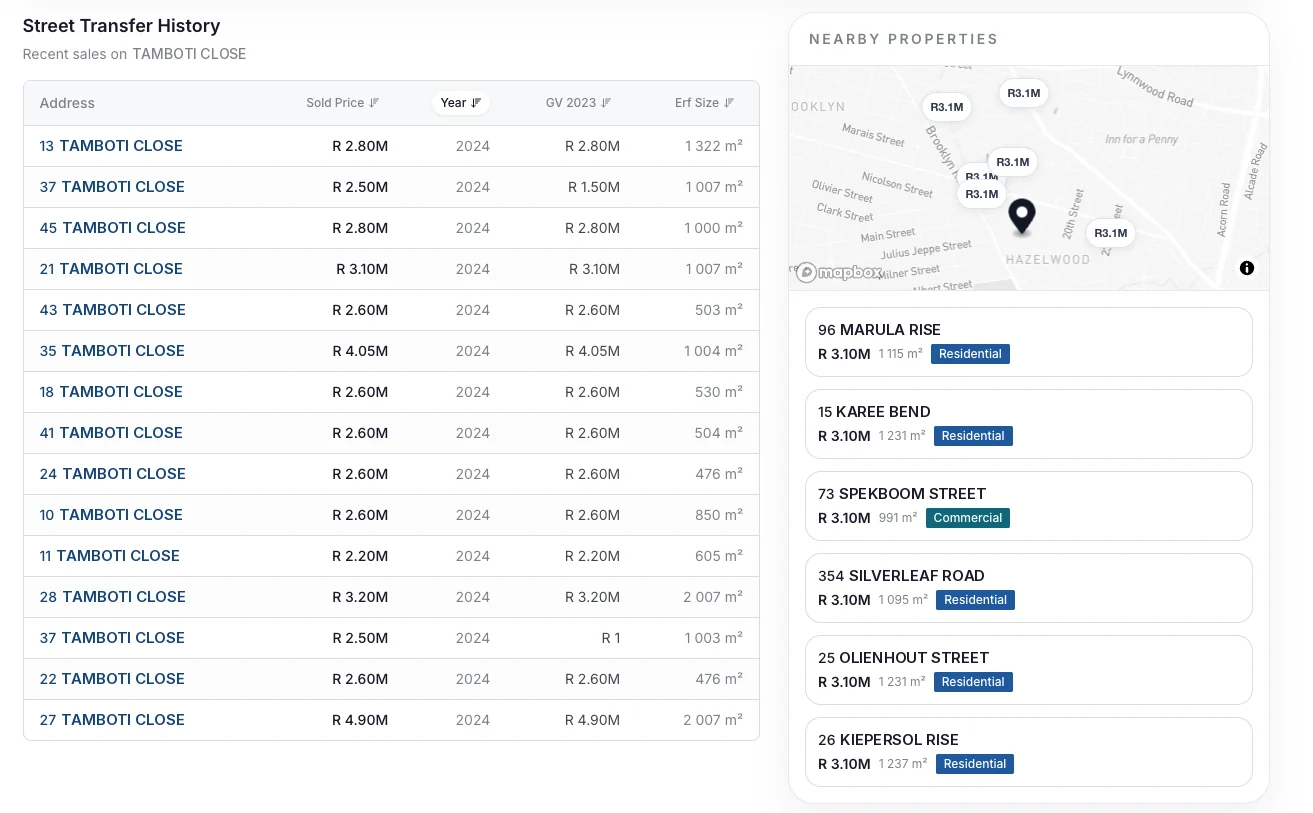
Screens captured from the platform · Property identifiers replaced with an invented record
Questions that are asked of a whole suburb rather than a single erf: where the value is, what the zoning allows, what has been trading and how much room is left on the site.
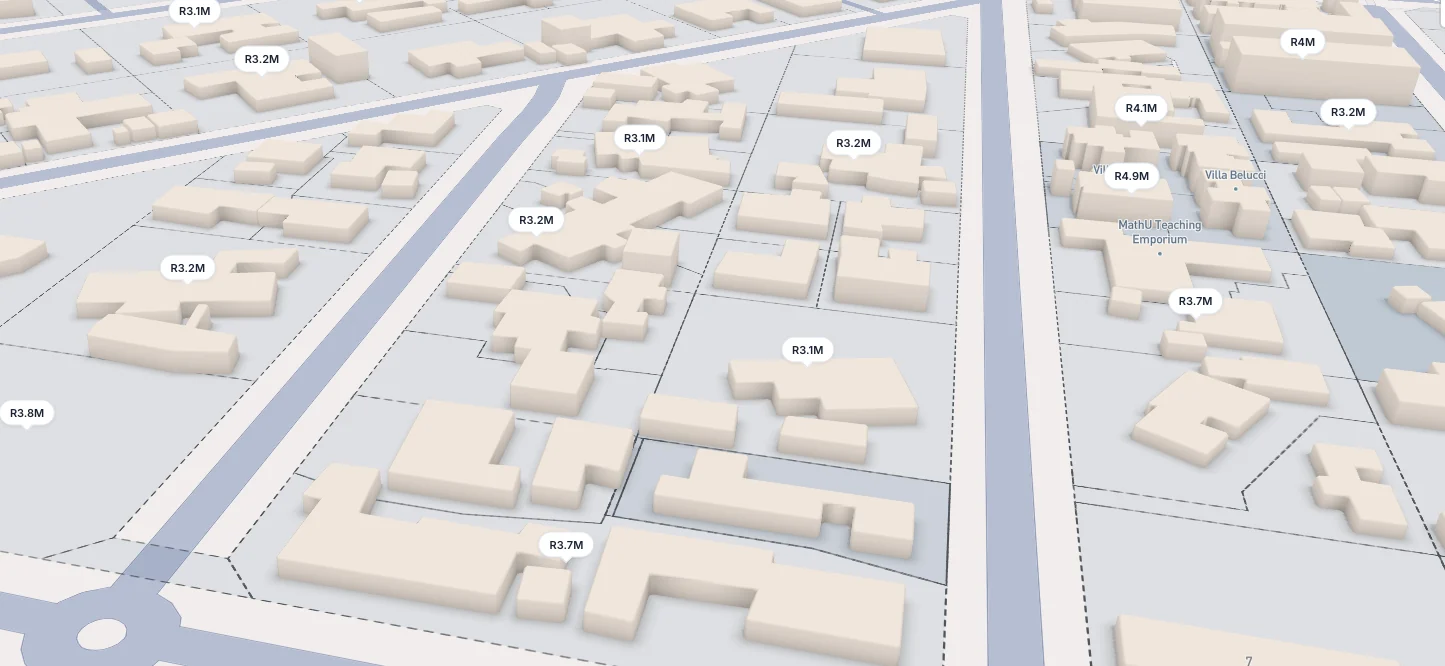
Erf size against area under roof, in three dimensions across an entire suburb. Intelligent filters providing zoning, sold prices, and more highlighted on the map to provide the full suburb picture. Value density, transaction velocity and growth are measured over the same area from registered transfers, so stock that never reaches a portal is counted with everything else.
Sold prices come from registered transfers, not from what a property was marketed at.
Work where the property has to be described correctly and the figure behind it has to be defensible. Every number carries its source and the date it was captured, so the file shows its working.
Conveyancers
Transfers, dates and prices for a property in one place, alongside the erf description, its size and its zoning — the groundwork of a file, ready before the instruction lands rather than after it.
Lenders & originators
Coming soon
An automated estimate with its range, shown next to the municipal figure and the comparable transfers it was drawn from — a sanity check at application stage, well before a sworn valuation is commissioned.
Valuation estimates are automated and are not sworn valuations.
Whichever of these you are, it begins the same way — search a property and the whole record opens.
 FoundRE